

2026 SUMMER COED/ALL GIRLS SEASON
LIMITED SPORTS STILL OPEN!!
Open Enrollment & Waitlist Opportunities Are Available.
We are excited to continue to offer both co-ed and all-girls basketball programs as part of our mission to provide a meaningful and fulfilling season for the young men and women in our community. In divisions where enrollment may not support separate leagues, we may combine the co-ed and all-girls groups to ensure a successful experience for all players. Families will always have the choice to participate in any adjusted format. We will not hold you to your registration if we are unable to offer the program exactly as presented on our website.
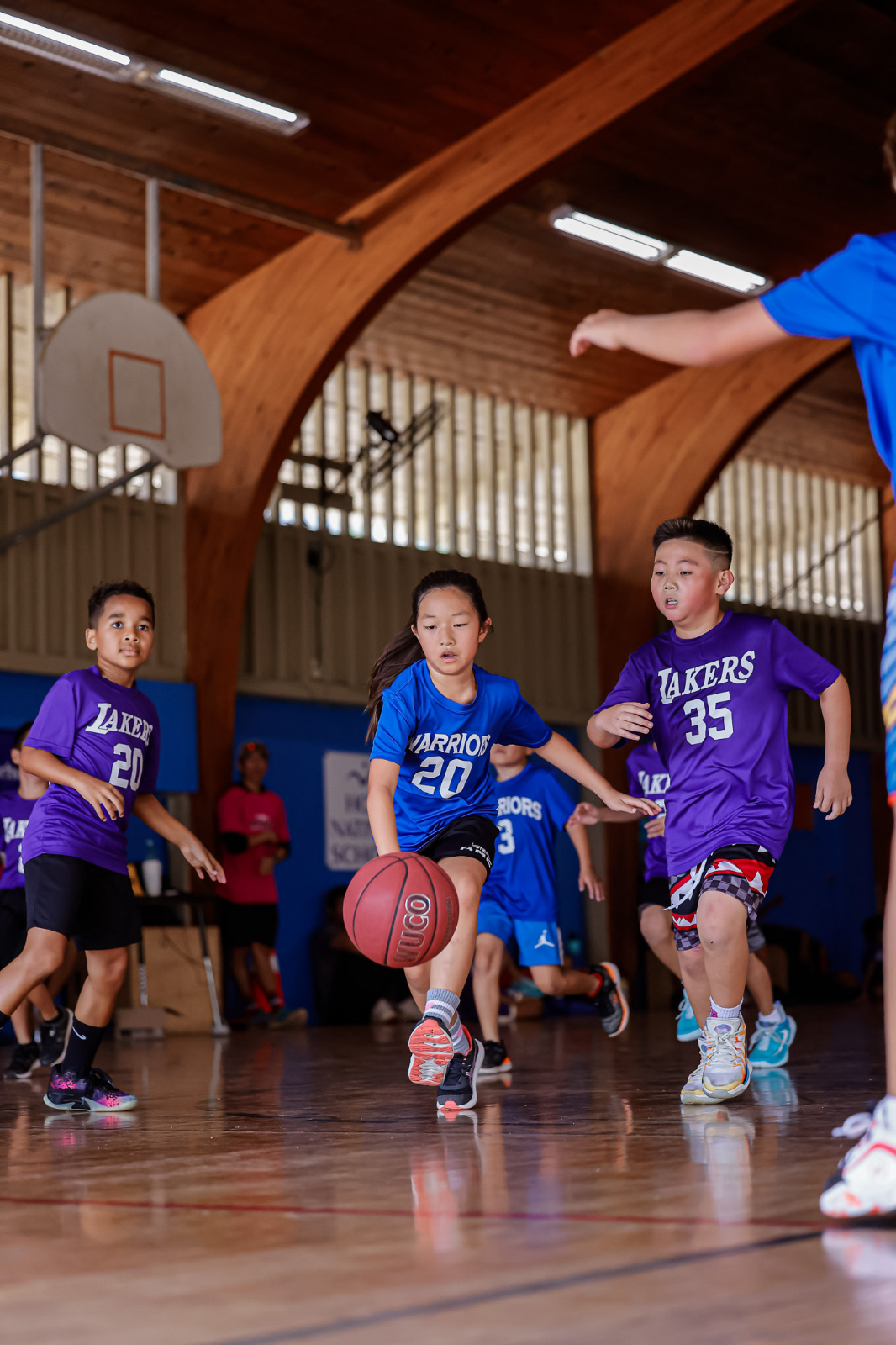
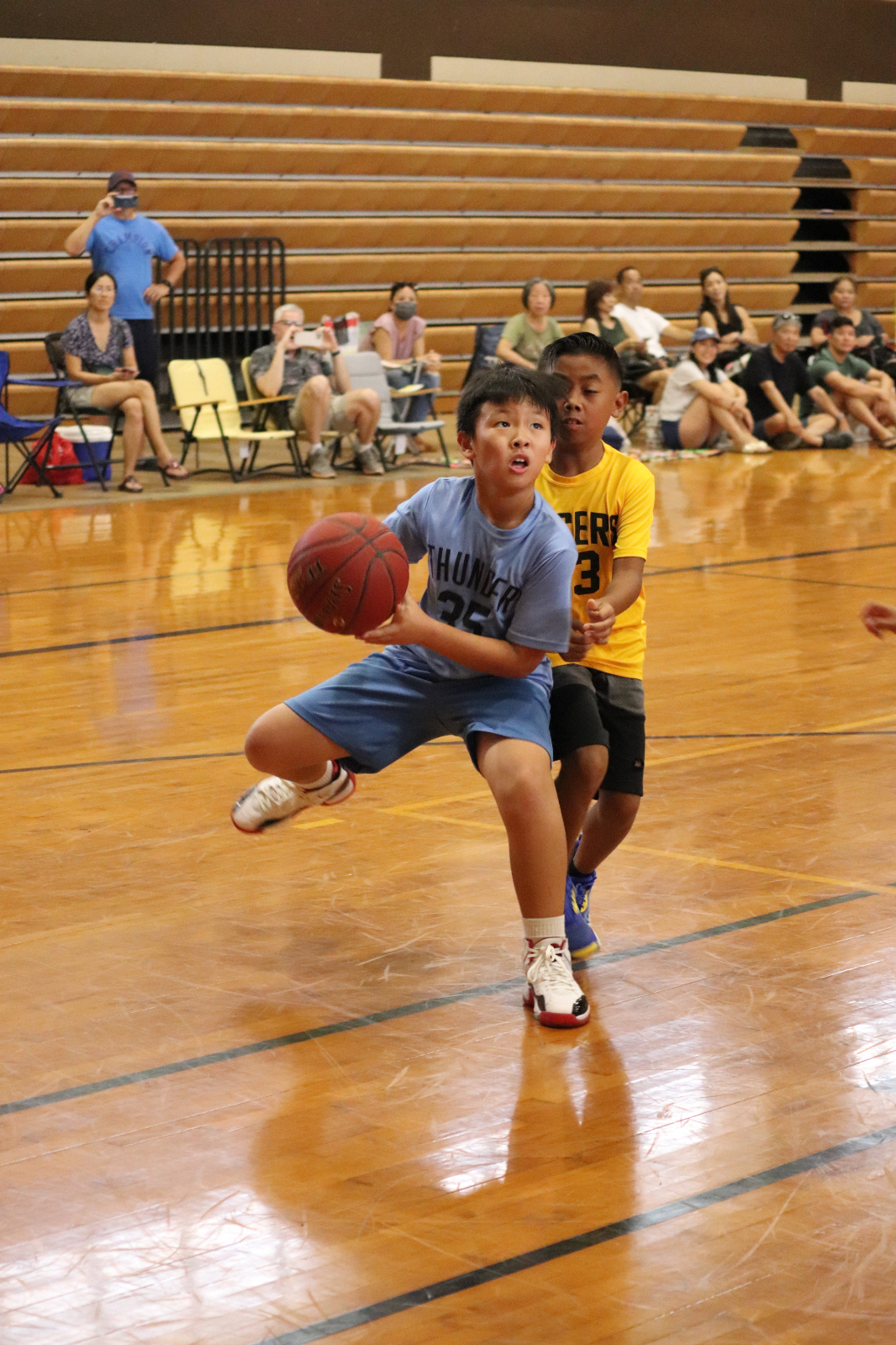
Photos View More
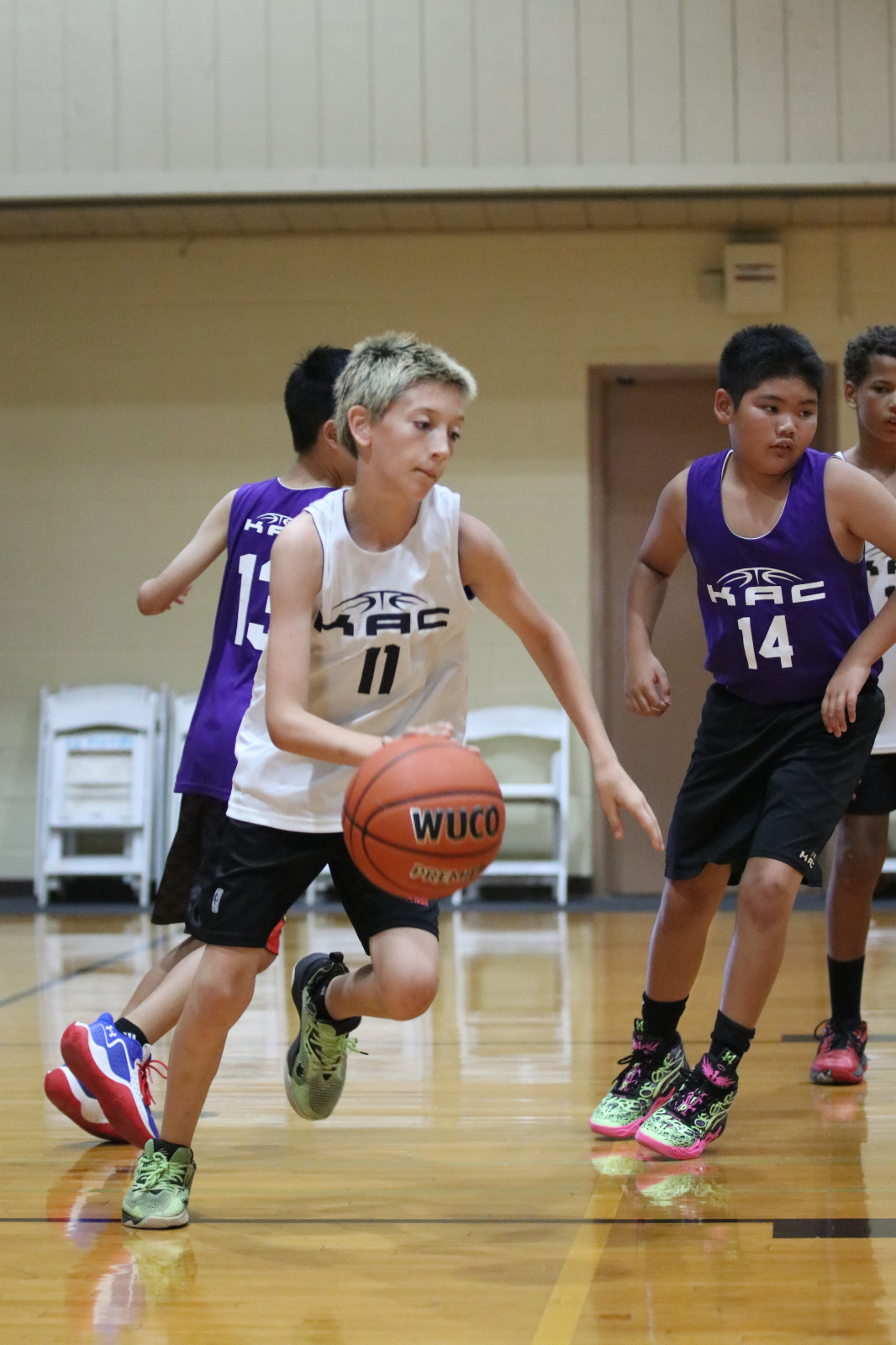
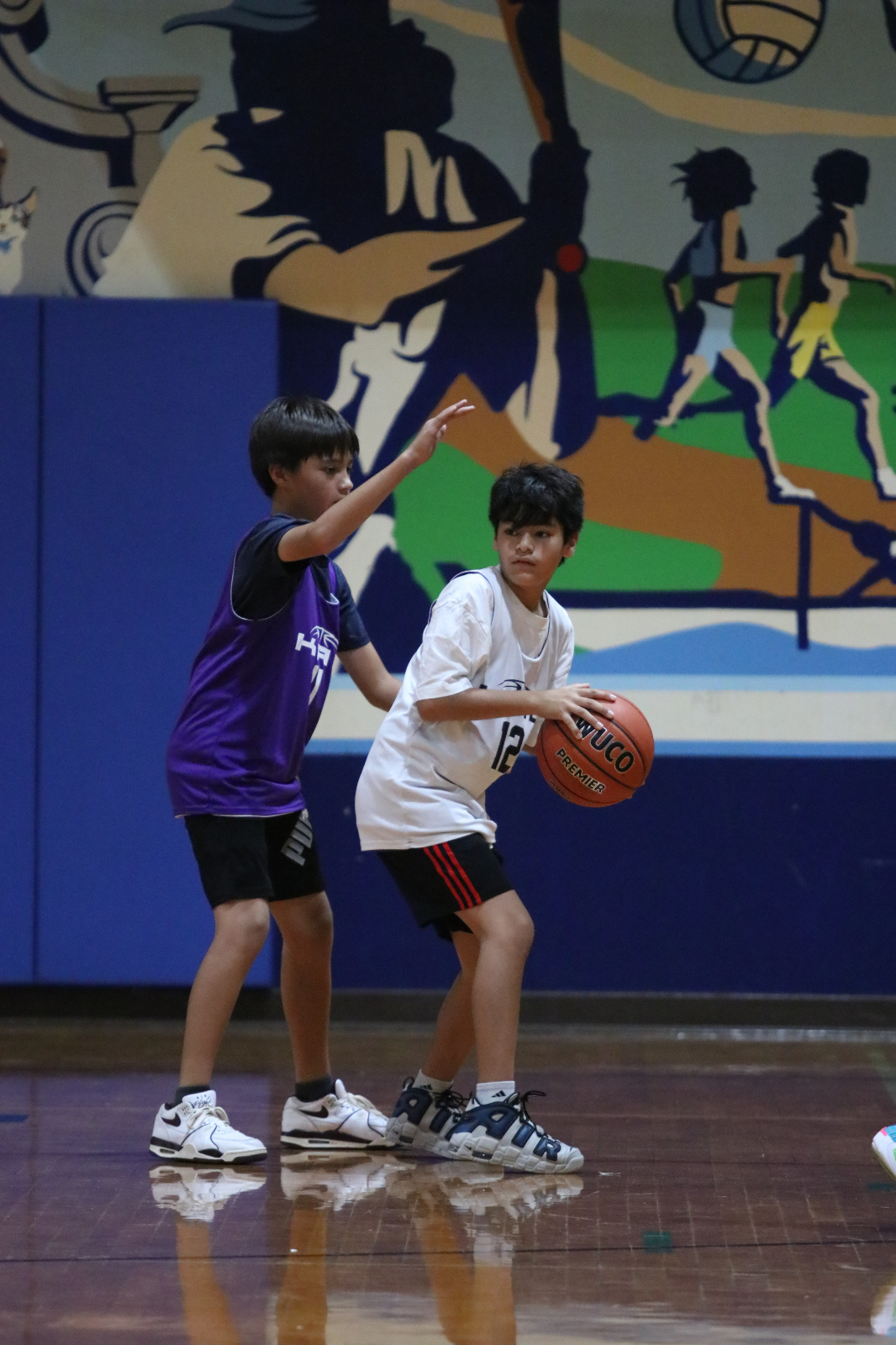
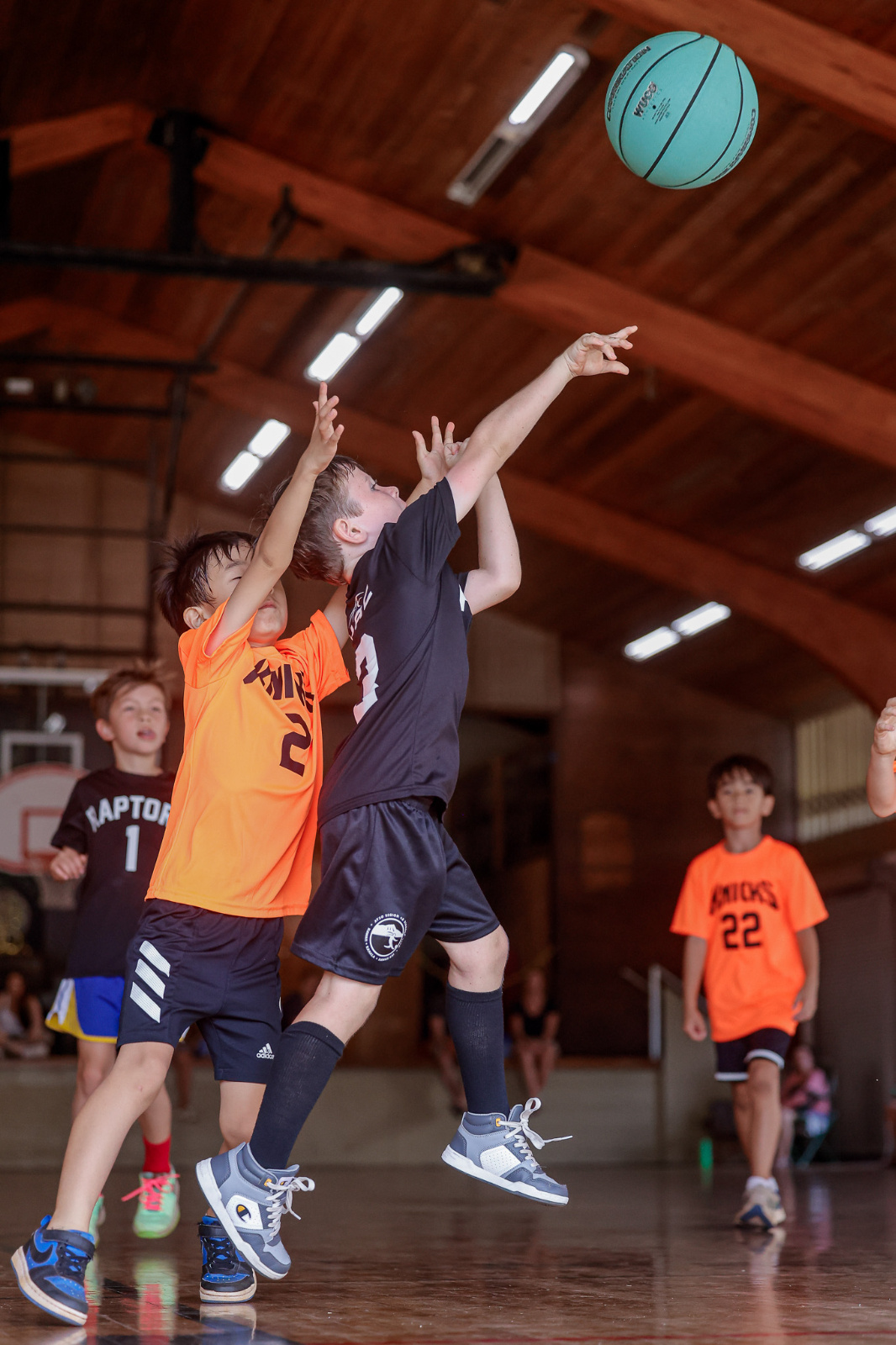
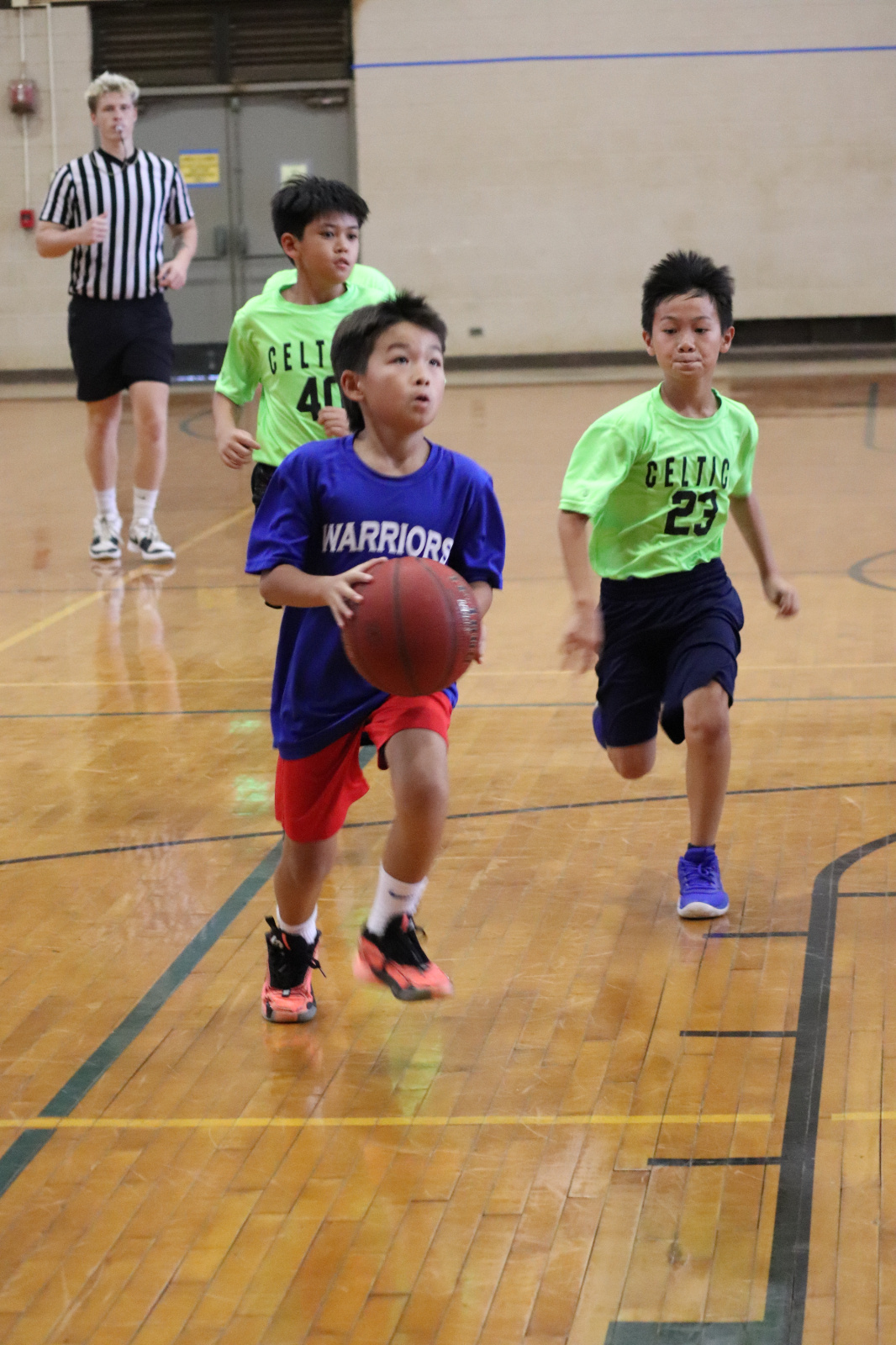
GENERAL LEAGUE INFORMATION
KAC Basketball is a developmental, youth basketball league located in the east Honolulu area. We aspire to provide a fun and high quality basketball experience to all players. Registration is open to players, ages 5-16, of all skill levels. Annually, we run three seasons: Spring Coed/Girls, Summer Coed, Winter Coed. There are no boys only seasons.
VOLUNTEER COACHES: The success of every KAC Basketball season relies on its volunteer coaches. Without coaches, the program simply won’t exist. Please consider volunteering to coach if you are able to. Division Directors will answer any questions you have and can provide guidance and help if needed. Please contact us at kacbasketball@gmail.com for more info.
GENERAL SEASON INFORMATION: The following is provided as general information only and are subject to change. More information about our seasons can be found above under "SEASON INFO".
- Spring Coed/All Girls: Registration opens mid-December. Season duration is approximately 8-10 weeks; start late March, finish end of May. Girls registering for the program will have the options to indicate whether they would like to participate with the girls program or the co-ed program during the registration process.
- Summer Coed/All Girls: Registration opens mid-March. Season duration is approximately 8-10 weeks; start end of May, finish end of August.
- Winter Coed/All Girls: Registration opens early-July. Season duration is approximately 8-10 weeks; start mid-October, finish weekend before Christmas.
PRACTICE INFORMATION: Practices are on outdoor courts located at C&C Honolulu district parks or State of Hawaii public schools. Location, day & time will be determined between the league & your volunteer coach near the start of the season. Locations are primarily in the east Honolulu areas between the University of Hawaii at Manoa and Niu Valley. Occurs up to 2x per week, Monday thru Friday, depending on the coach and availability of practice courts. Duration is typically 1 hour.
GAME INFORMATION: Games are indoors at C&C Honolulu district park gyms, or private school gyms. Gym locations are primarily in the east Honolulu areas between Kaimuki to Koko Head. Games are typically once a week held on Saturday or Sunday. Occasionally, an additional game may be scheduled during the weekend. Refreshments after the game are highly encouraged to be grab-and-go. No potlucking after the game at gym locations.
PLAYER AND TEAM DIVISIONS:
- 6ers: 5-6 years old
- Pee Wees: 7-8 years old
- Midgets: 9-10 years old
- Juniors: 11-12 years old
- Seniors: 13-15 years old
Player's assigned division is determined by their age as of the date listed in the age eligibility range shown during the registration process. Eligible dates overlap to give families a choice to move their child up a division if wanting to do so. Players requesting to move down a division must obtain the approval of the division director. You can register in the player's assigned division and include a request to change divisions in the comments or contact us for approval.
BALL SIZE AND RIM HEIGHT:
- 6ers - Ball size: Youth (size 5/27.5"); Rim height: 8 ft
- Pee Wees – Ball size: Youth (size 5/27.5"); Rim height: 8 ft
- Midgets – Ball size: Intermediate (size 6/28.5"); Rim height: 10 ft
- Juniors – Ball size**: Standard (size 7/29.5"); Rim height: 10 ft
- Seniors – Ball size**: Standard (size 7/29.5”); Rim height: 10 ft
**SPRING ALL GIRLS Junior and Senior divisions continue to use the intermediate (size 6/28.5”) ball.
ASSESSMENTS: Suspended until further notice.n>
REGISTRATION INFORMATION & FEES
INDIVIDUAL REGISTRATION INFORMATION: Registration is open to players of all skill levels & you would be automatically enrolled in our overall community league in the division your child is age eligible for. Our community league will consist of families who regsiter individually and will be built into teams by the their the league. Enrollment in each division is limited and will be accepted on a first come first serve basis with priority given to children of volunteer coaches and assistant coaches. Registration AND payment holds your space, but does not guarantee participation. Division limits are dependent on the quantity of volunteer coaches and availability of gym time for games. Players not placed on teams will be notified and fully refunded. Unpaid/waitlist registrations at the close of the registration period will be cancelled. Refund policy in effect.
INDIVIDUAL REGISTRATION FEE (PER PLAYER): $120 until the close of registration and includes a player game uniform. Late registration, if accepted, will incur a late fee of $25. Waitlisted players prior to the close of registration will not be charged the late fee if accepted after the close of registration.
INTACT TEAM REGISTRATION INFORMATION: Registration is open to teams of all skill levels & you would be automatically enrolled in our overall intact team league in the division your team is age eligible for. Enrollment in each division is limited and will be accepted on a first come first serve basis, and the team is required to already have a coach in place priot to registering. Registration AND payment holds your space, but does not guarantee participation. Divisions are dependent on enrollment of teams, and the league will work with each team if changes need to be made. Intact teams in divisions with low enrollment will be provided options, including having the option to withdraw.
INTACT TEAM REGISTRATION FEE (PER TEAM): $850 until the close of registration, teams will be required to provide their own reversible game jerseys. Late registration, if accepted, will incur a late fee of $50. Waitlisted teams prior to the close of registration will not be charged the late fee if accepted after the close of registration. You will be required to submit the team roster information when submitting your Team Registration. Players who are not eligible to participate in a particular division can play up if they are too young, and will need approval from the Board of Directors to play down if they are too old.
REFUND POLICY: Player registration withdrawal up to designated deadline will be refunded registration fee minus a $15 service charge for each cancelled registration. Team registration withdrawal up to designated deadline will be refunded registration fee minus a $30 service charge for each cancelled registration. No refunds after the designated date.